Write it down. Some of it gets done.
Subnotes is a plain-text notes and to-do list app for iPhone, iPad & Mac. Any line you write can become a task.
One app for notes and to-do lists Stop planning in one app and doing the work in another
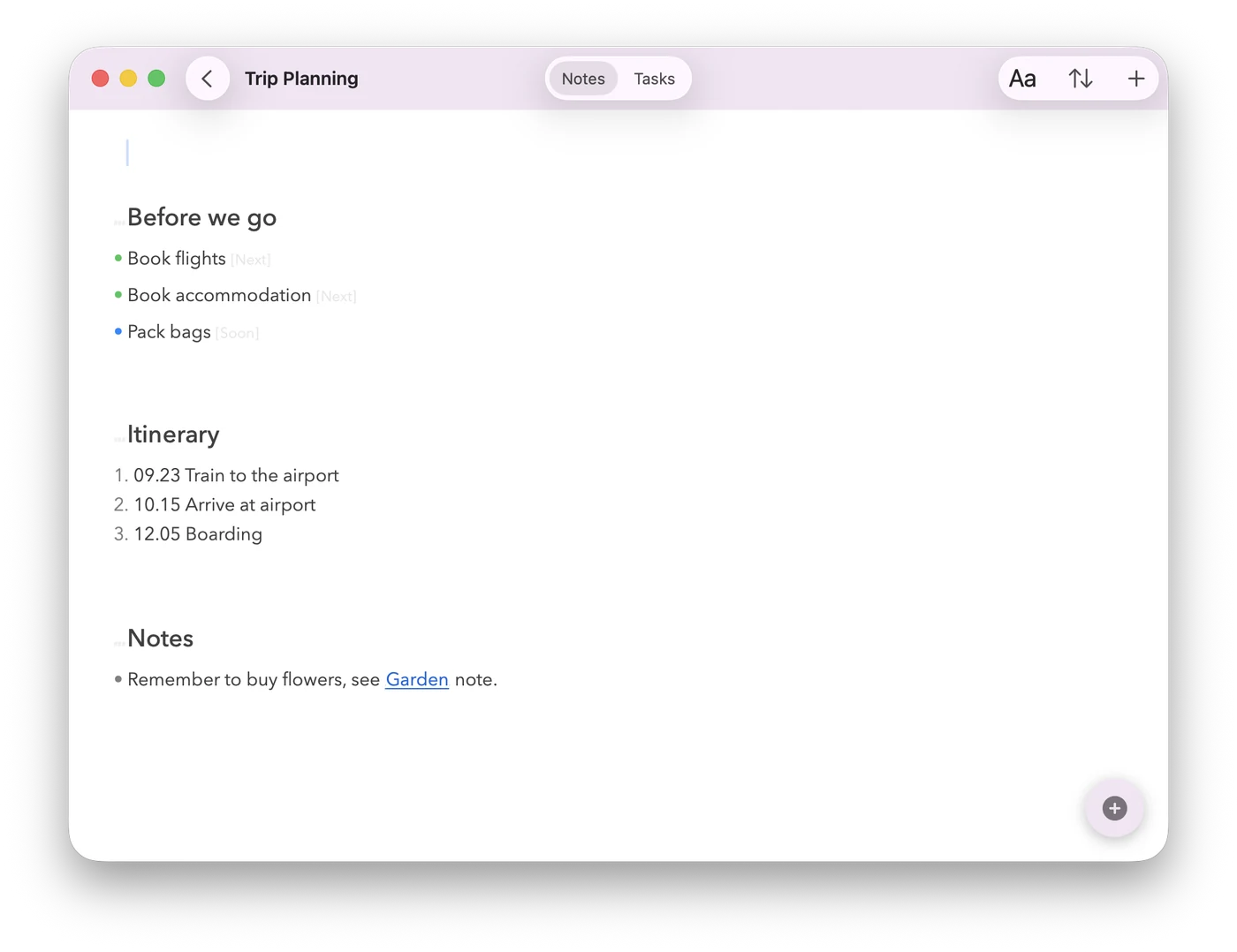
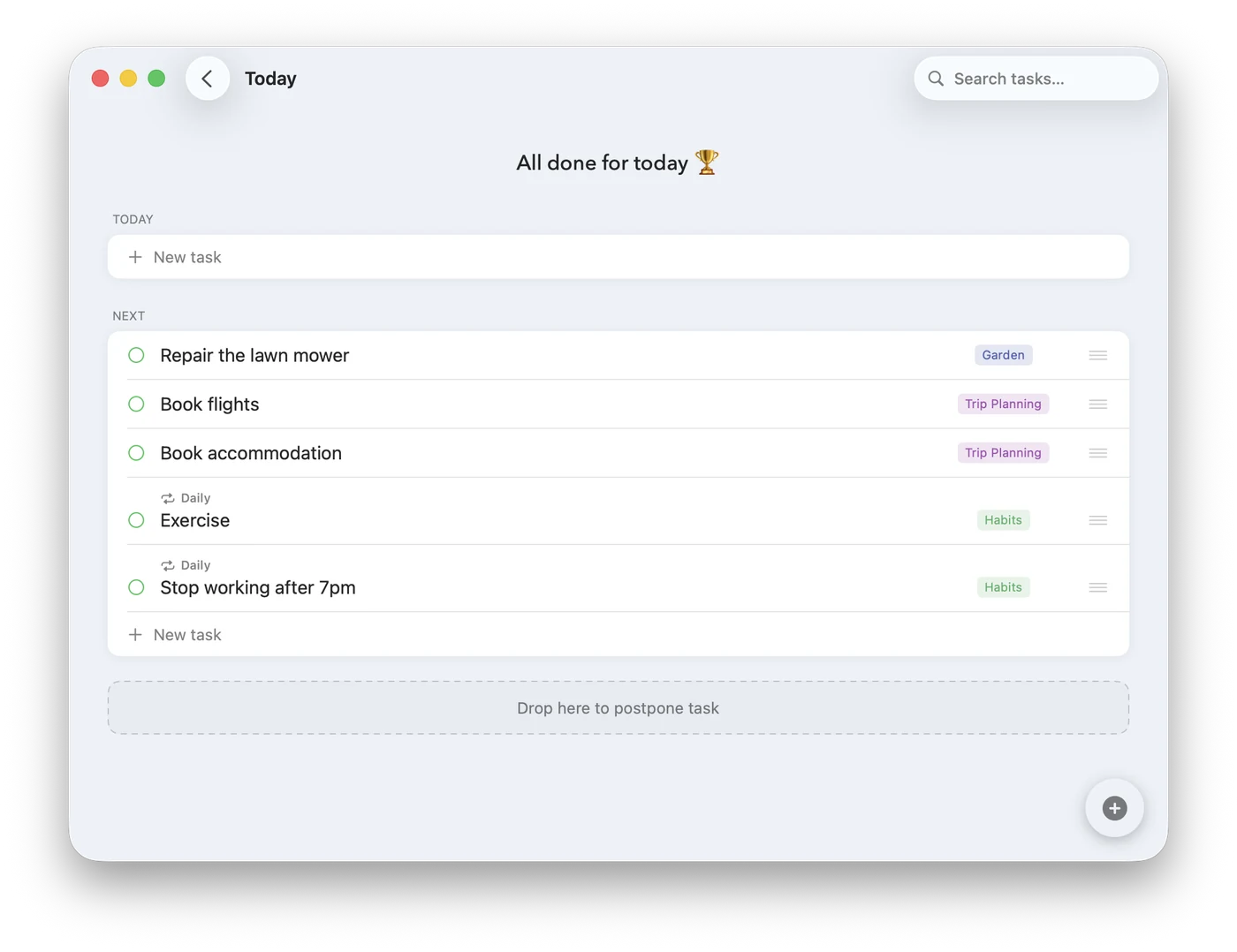
Notes and tasks side by side, so there is no second app to keep in sync.
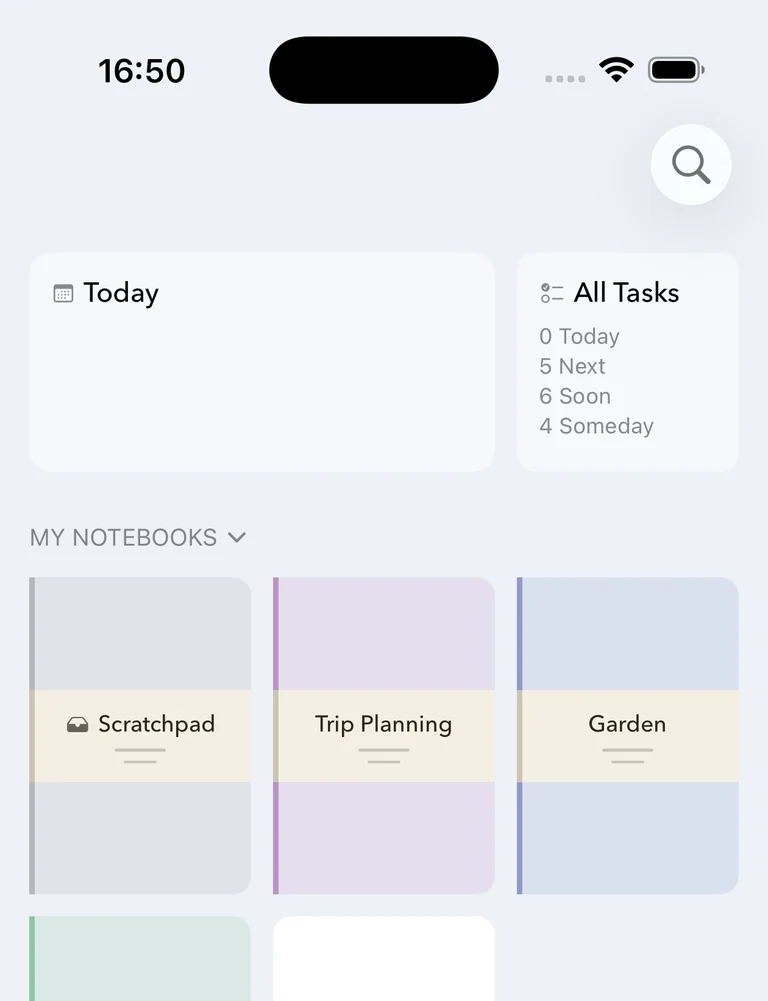
Plain text, real tasks A note is already a task list
Type five lines and you have five tasks — no forms, nothing to learn. It’s all plain text, so you can export it any time and nothing locks you in.
Kanban style You are the boss (not your todo app)
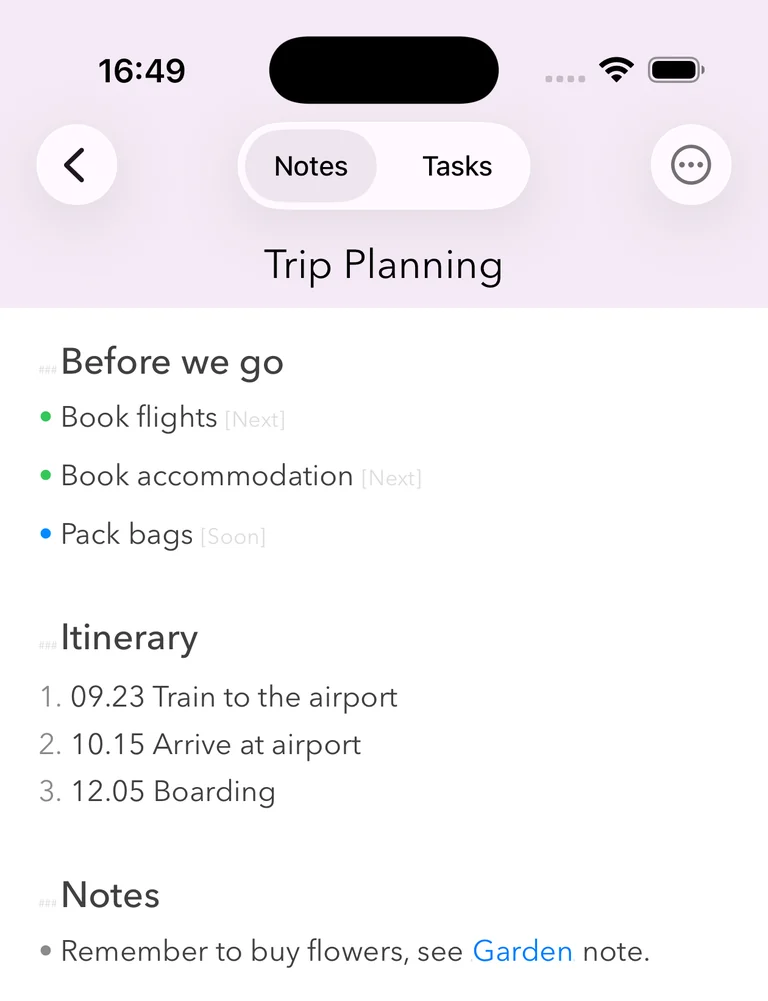
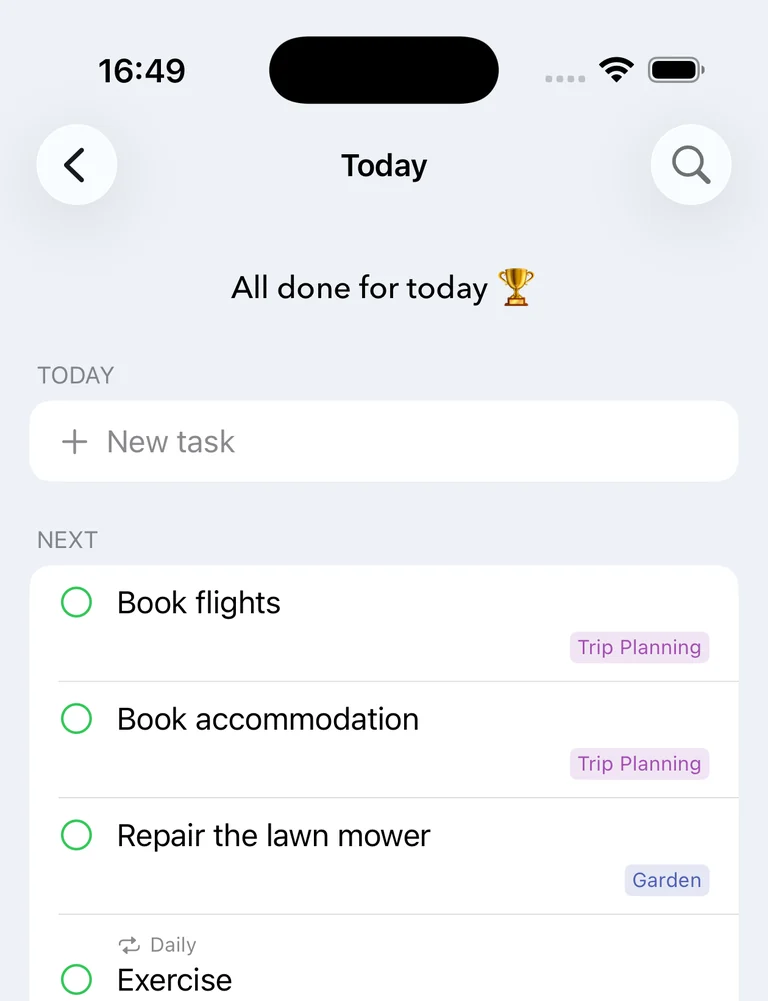
Organize tasks by what happens Next, Soon, or Someday. Most things don't have a due date.
Works with Claude Code Claude Code works from your notes
Connect the notebooks you choose. /subnotes:run checks them against
your goals, says what’s due, and does the work it can — adding tasks, and
changing anything only after your yes.
How it works →
Common questions
Is Subnotes free?
Yes — one download on the App Store, free, and it works across iPhone, iPad & Mac.
How does Subnotes sync between my devices?
Privately, over your own iCloud account — no signup, no server that can see your notes.
Can I get my notes out of Subnotes if I ever want to?
Always — everything is stored as plain text, not a proprietary format, so nothing is locked in.
Is Subnotes a notes app or a to-do list app?
Both, and that's the point. You write in plain text, and any line can become a task with a priority and a date — so your notes and your to-do list are the same document instead of two apps you keep in sync by hand.
Does Subnotes work offline?
Yes. Your notes live on your device, so everything works with no connection at all. iCloud syncs the changes across your devices whenever you're back online.
Is there a Mac app?
Yes — Subnotes is one universal app for iPhone, iPad and Mac. A single free download covers all three, and the same notebooks appear on each.
Does Subnotes support Markdown?
Notes are stored as plain text, and you can import and export them as Markdown files at any time, straight to the Files app or Finder.
Do I need an account to use Subnotes?
No. There's no signup, no password and no server of ours — syncing runs through your own iCloud account, which you already have.
Subnotes is free on the App Store — one download, works on iPhone, iPad & Mac.
Download on the App Store